
ACHIEVEMENT PLUGIN
AGPlayAchievement.js -- Google Play Games Services Achievements for RPG Maker MZ & MV
Give your players real Google Play achievements -- unlockable badges, incremental progress bars, and the native Play Games achievements screen -- straight from your RPG Maker events. No Java. No Android Studio required.
Works with AG APK Builder (auto-injected config) and manual Android Studio integration alike.
The problem this solves
Play Games Services achievements are identified by long, opaque IDs like
CgkI17uzo80QEAIQAg that only exist inside the Play Console -- not
something you want to type into an RPG Maker event every time you unlock a
boss-kill achievement. AGPlayAchievement lets you work with short, human-readable
IDs (first_boss, all_quests) inside your events, while
the plugin silently resolves them to the real Play Console ID behind the scenes.
Mistype or forget to map one, and the plugin logs a console warning and does
nothing -- it never crashes your game.
What it does
| Feature | Included |
|---|---|
| Sign in to Google Play Games (auto on start, or manual) | ✔ |
| Unlock non-incremental achievements | ✔ |
| Add progress steps to incremental achievements | ✔ |
| Open the native Play Games Achievements UI | ✔ |
| Check sign-in status directly into a Switch | ✔ |
| Short-ID → real Play Console ID mapping, editable from AG APK Builder | ✔ |
| Silent, safe no-ops if not signed in or bridge missing -- never crashes | ✔ |
| Works in both MZ (Plugin Command GUI) and MV (text Plugin Command) | ✔ |
| PC / Browser safe -- silently inert outside an Android APK | ✔ |
Zero-setup by default
Auto sign-in on game start is ON by default the moment the plugin is enabled, so unlocks and increments work the instant a returning player opens the game -- no extra event needed. The commands below cover everything else:
[MZ Plugin Command]
SignIn
Unlock              achievementId="first_boss"
Increment           achievementId="all_quests"  steps=1
ShowAchievementsUI
IsSignedIn          switchId=5
[MV text Plugin Command]
SignIn
Unlock first_boss
Increment all_quests 1
ShowAchievementsUI
IsSignedIn 5
[Script Call]
AGPlayAchievement.signIn();
AGPlayAchievement.unlock('first_boss');
AGPlayAchievement.increment('all_quests', 1);
AGPlayAchievement.showUI();
AGPlayAchievement.isSignedIn();      // true/false
Features
- Auto Config Injection -- Using AG APK Builder: App ID and the short-ID → Play Console ID mapping are injected automatically at build time, and the mapping is also written to AndroidManifest.xml for you.
- Android Studio Support -- Can also be integrated manually via the AGAchievementBridge interface pattern. Full Kotlin implementation docs included in the package.
- Plugin Command Support -- All actions available from the RPG Maker MZ Event Editor, and via simple text commands in MV.
- Script API --
AGPlayAchievement.signIn(),.unlock(),.increment(),.showUI(),.isSignedIn() - Readable short IDs -- map
id_singkat=IdAchievementGooglePlayonce, then reference the short ID everywhere in your events. - Fails safe, never fails loud -- an unmapped ID, a missing native bridge, or a signed-out player is silently ignored (Google's own expected behavior for signed-out unlocks), logged only to console.
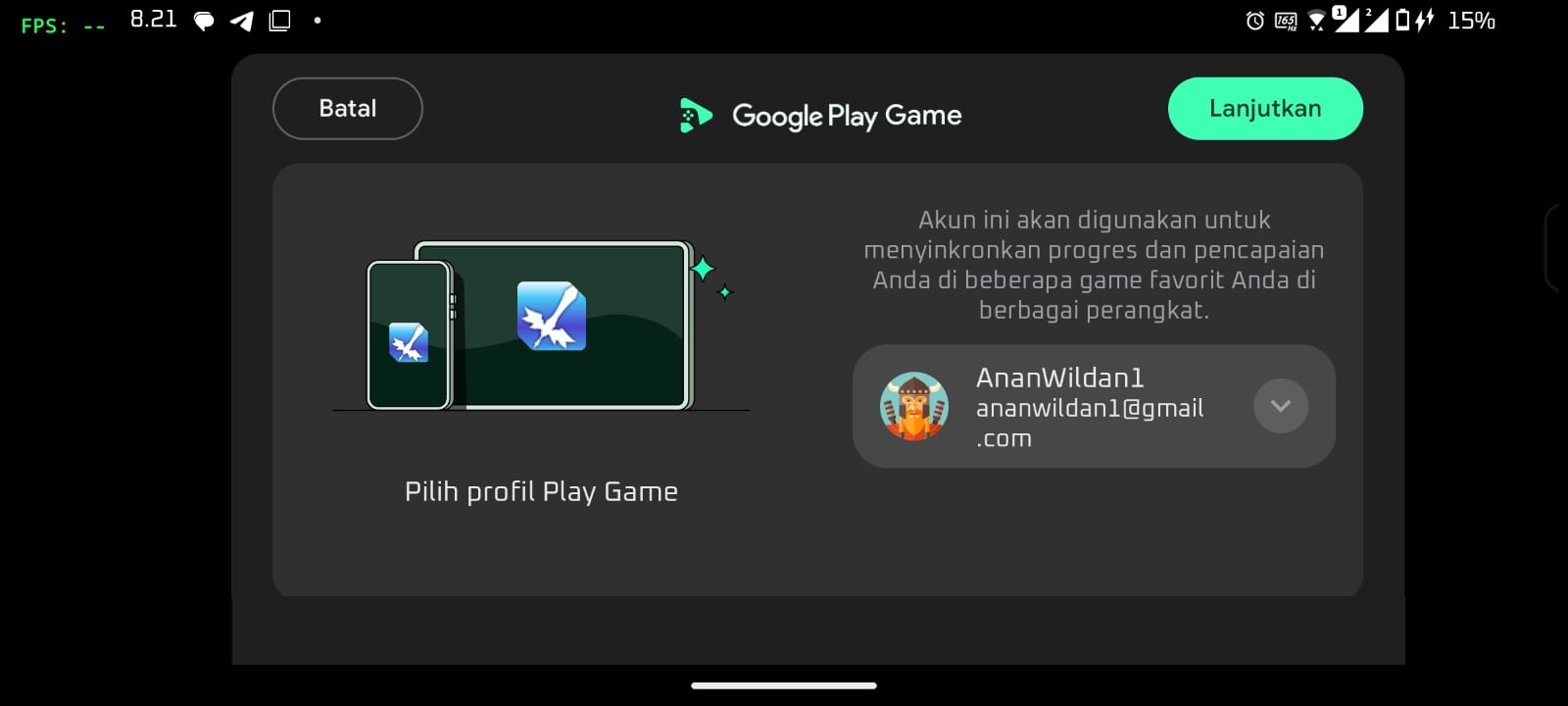
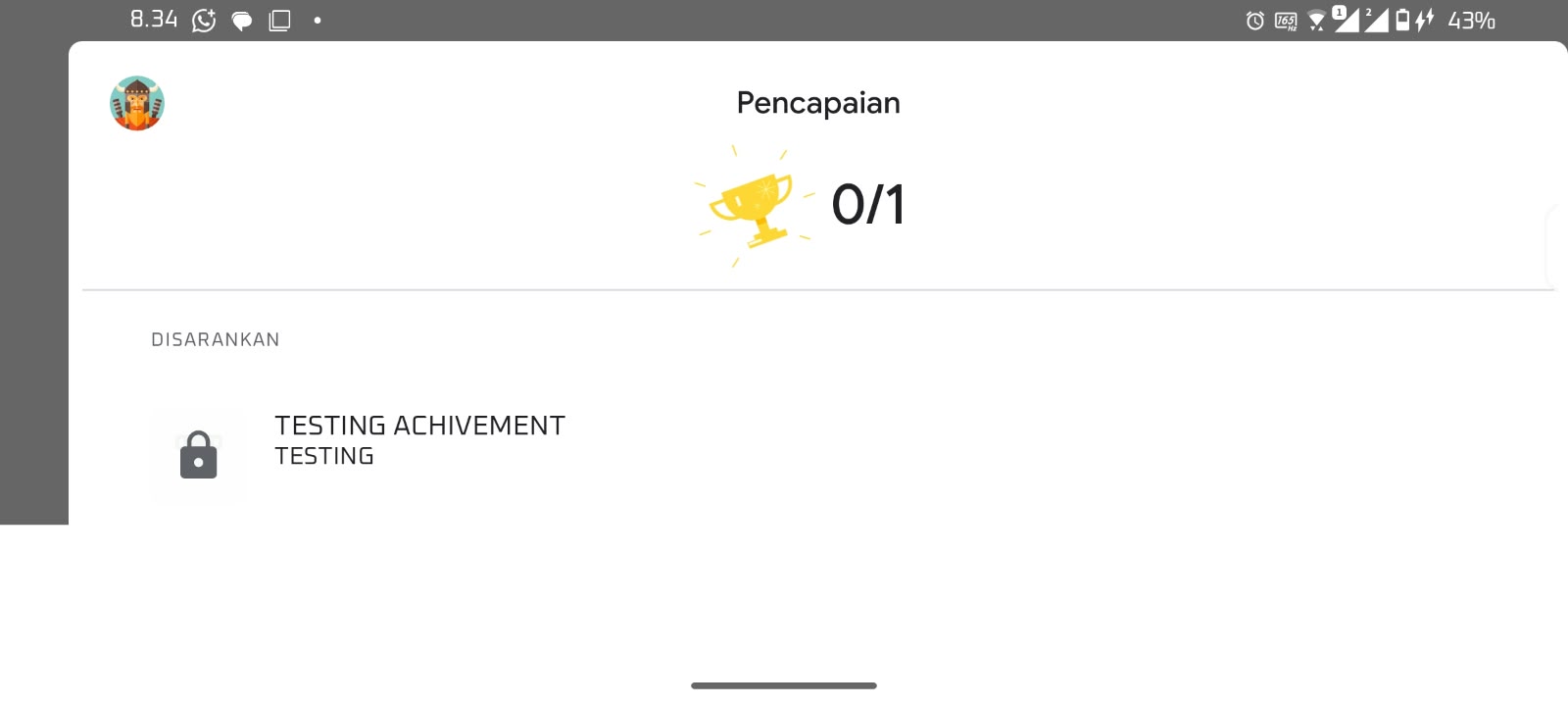
Setup -- AG APK Builder
- Place
AGPlayAchievement_Full_ID.jsinto your game'sjs/plugins/folder and enable it in RPG Maker's Plugin Manager. - In Google Play Console, go to Play Games Services → Setup, connect your Games project, and create your achievements (each gets an opaque ID like
CgkI17uzo80QEAIQAg). - In AG APK Builder, open the "AG Play Achievement" plugin card, paste your Play Games Services App ID, and fill in the Achievement ID Mapping (one
id_singkat=IdPlayConsoleper line). - Enable the "AG Play Achievement" toggle before building -- the App ID and mapping are auto-injected into this plugin and into AndroidManifest.xml.
- Build APK/AAB as usual.
Setup -- Android Studio (Manual)
- Add the Play Games Services SDK and your Games project credentials to your project.
- Implement
signIn(),isSignedIn(),unlockAchievement(),incrementAchievement(),showAchievementsUI()on your existingAGAchievementBridgeobject, mapping each to the corresponding Play Games Achievements API call. - Call back into
AGPlayAchievement._onSignInResult(success)from native after a sign-in attempt so script-call callbacks resolve correctly.
Full Android Studio integration docs with complete Kotlin source code are included in the download package.
Compatibility
- Engine: RPG Maker MZ and MV
- Builder: AG APK Builder (recommended) or Android Studio manual integration
- Platform: Android only, APK and AAB
- Requires: a Google Play Console project with Play Games Services configured
- Recommended: enable AGInternet alongside this plugin (handles the INTERNET permission every online plugin needs)
Terms of Use
- Allowed to use in games distributed on Google Play Store
- Do not redistribute or reupload the plugin file
- Do not remove the author signature inside the plugin
- Do not claim as your own or sell the plugin itself
Feedback, Bug Reports and Support
If you experience issues, encounter bugs, or have suggestions, leave a comment on this page or contact directly.
Contact: anaryxproject@gmail.com
AGPlayAchievement.js -- part of the Anaryx Plugin ecosystem.
Built for RPG Maker MZ/MV developers who want real Google Play achievements without touching Java.
Every plugin carries an integrity signature -- do not remove or alter it.
anaryx-plugin.itch.io
Purchase
In order to download this project you must purchase it at or above the minimum price of $3 USD. You will get access to the following files:
Development log
- HOW TO USE ACHIEVEMENT PLUGIN20 days ago
Comments
Log in with itch.io to leave a comment.
U R THE GOATTTTT!! I will donate soon as I can