
ADMOB PLUGIN RPG MAKER MV/MZ
A downloadable project

AGAdMob.js -- AdMob Integration for RPG Maker MZ
Monetize your RPG Maker MV/MZ game with Google AdMob ads on Android. All ad formats are controllable directly from the Event Editor. No Java. No Android Studio required.
Compatible with AG APK Builder (automatic SDK injection) and also supports manual Android Studio integration via the AGBridge interface pattern. Full documentation included.
Free vs Paid
| Feature | Free | Paid |
|---|---|---|
| Banner Adaptive (auto-fits screen width) | ✔ | ✔ |
| Show / Hide / Destroy banner commands | ✔ | ✔ |
| Google Test IDs for safe development | ✔ | ✔ |
| Works with AG APK Builder and Android Studio | ✔ | ✔ |
| All 6 banner sizes (Adaptive, Standard, Large, Medium Rectangle, Full, Leaderboard) | ✘ | ✔ |
| Top and bottom position selection | ✘ | ✔ |
| Interstitial -- fullscreen ad at scene transitions | ✘ | ✔ |
| Rewarded Ad -- player watches video for in-game reward | ✘ | ✔ |
| App Open Ad -- shown when game launches or resumes | ✘ | ✔ |
| Switch and Variable callbacks for all ad types | ✘ | ✔ |
| Command queue system (no race conditions on SDK init) | ✘ | ✔ |
| Auto Show Banner on map entry | ✘ | ✔ |
| Check ad status to Switch | ✘ | ✔ |
| Full debug overlay | ✘ | ✔ |
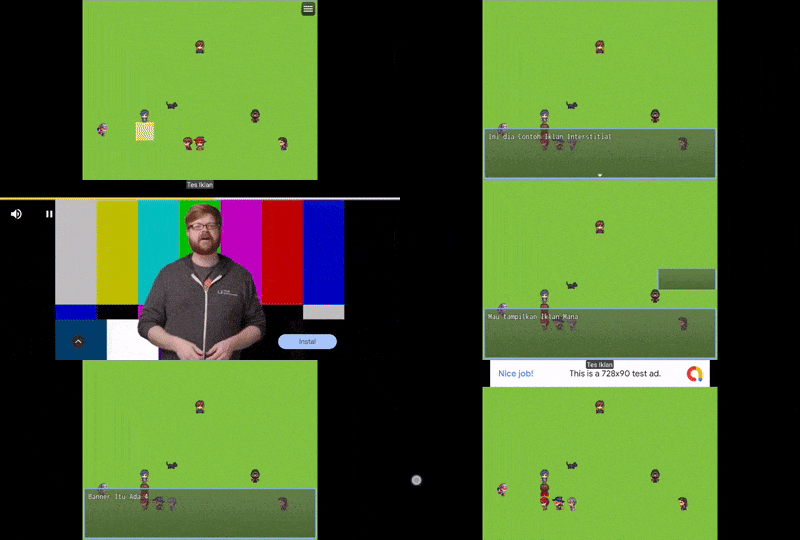
Why Adaptive Banner
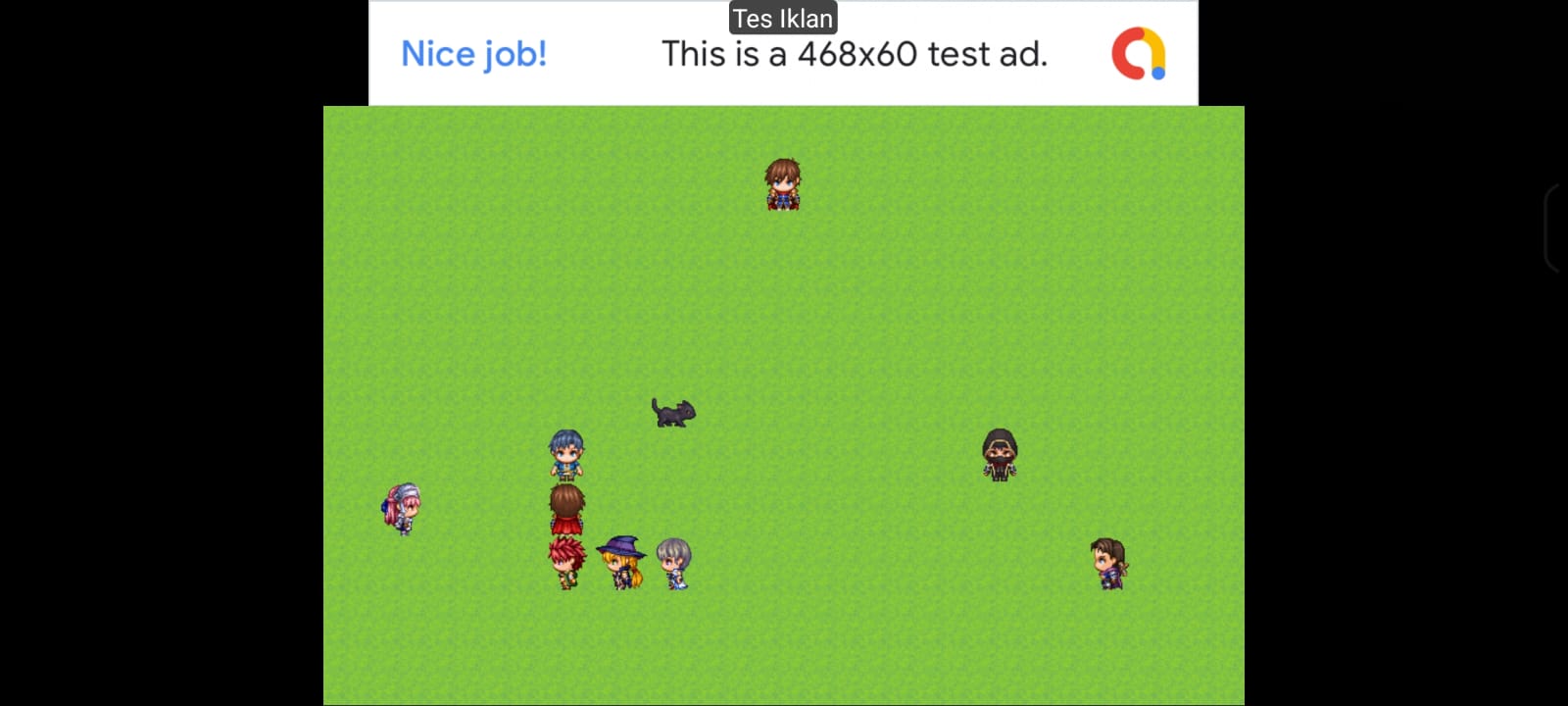
Adaptive Banner is the only banner size available in the free version because Google designed it to replace all static banner sizes. It automatically selects the optimal height for each device and consistently delivers higher revenue than fixed-size banners. For most games, Adaptive at the bottom of the screen is the best starting point.
Ad Formats (Paid)
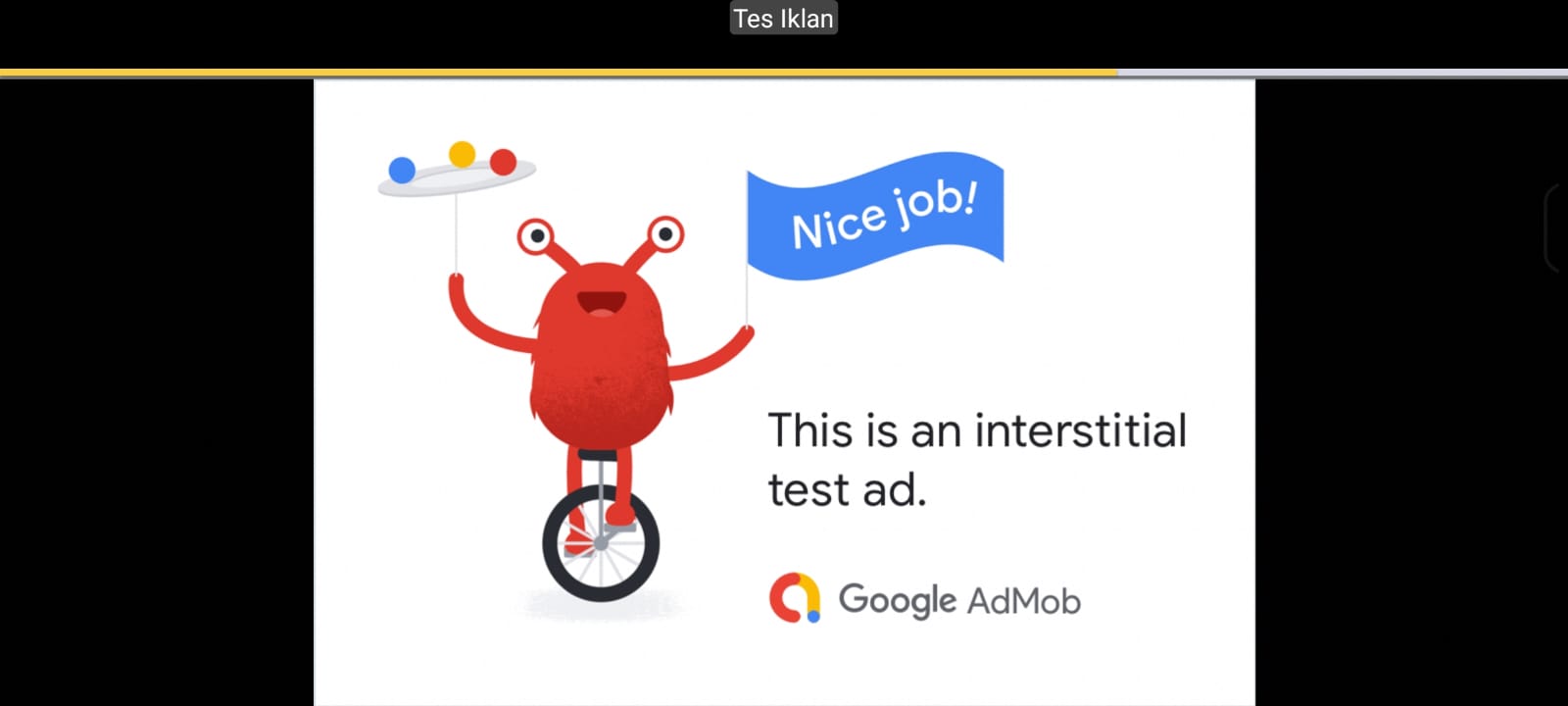
Interstitial
Full-screen ad shown between scenes -- after a battle, before map loads, or at game over.
Show max once every 2-3 minutes. Never during active gameplay.
Rewarded
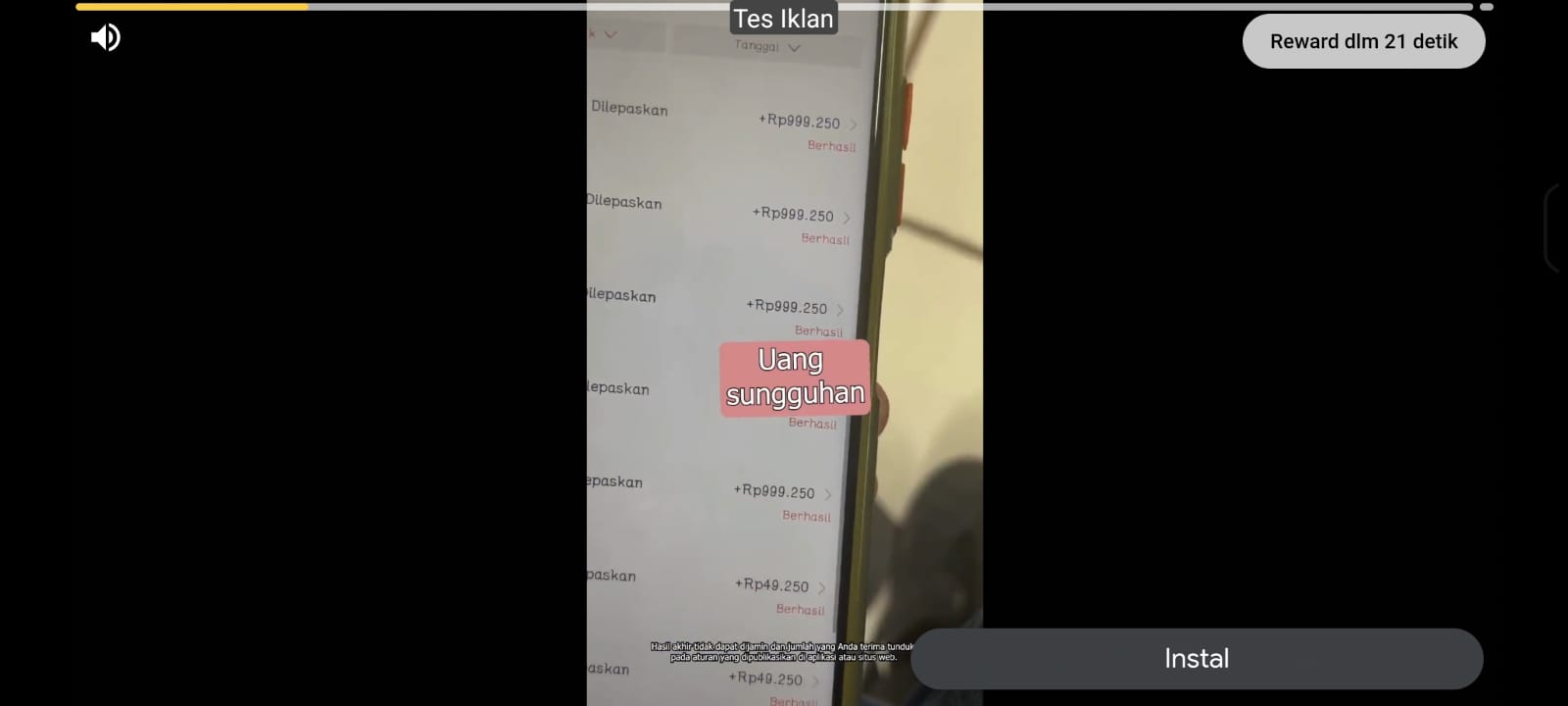
Player voluntarily watches a video to earn in-game rewards such as gold, items, or extra lives.
Highest RPM of all formats. Must be triggered by player action -- a button or choice.
App Open
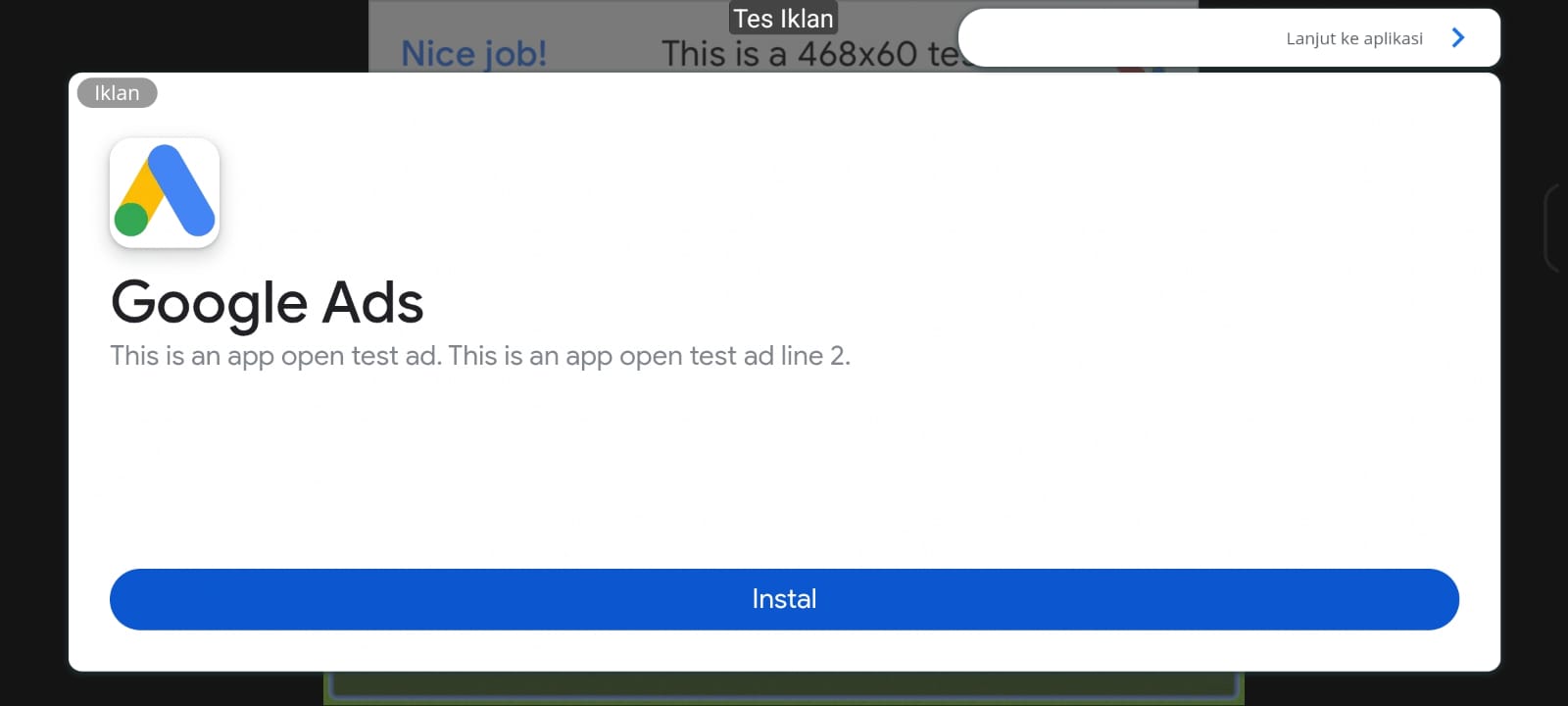
Shown when the game is first opened or resumes from background.
Fires once per session. Pre-loaded automatically on SDK init.
Features
- Auto SDK Injection -- Using AG APK Builder: AdMob SDK injected automatically during build. No Java or Kotlin editing required.
- Android Studio Support -- Can also be integrated manually via the AGBridge pattern. Full Kotlin implementation docs included in the package.
- Plugin Command Support -- All ad actions controlled from RPG Maker MZ Event Editor without any script calls.
- Google Test IDs -- Leave Unit ID blank during development. Builder auto-uses Google Test IDs. No AdMob account needed during testing.
- PC and Browser Safe -- All ad calls are silently ignored outside an Android APK. No errors in editor or browser preview.
- Command Queue System (Paid) -- Commands called before SDK is ready are queued and auto-executed once AdMob initializes.
- Switch and Variable Callbacks (Paid) -- Rewarded and Interstitial results feed directly into RPG Maker Switches and Variables.
- Debug Overlay (Paid) -- Optional on-screen status display showing SDK state, queue count, and ad readiness. Disable before publishing.
Setup -- AG APK Builder
- Place
AGAdMob.jsinto your game'sjs/plugins/folder. - Enable in RPG Maker MZ Plugin Manager.
- In AG APK Builder, go to Plugins, then AdMob Monetization. Enable the toggle and enter your App ID. Leave Unit IDs blank to use Test IDs during development.
- Build APK. Check build log for
[AdMob] Mode: ENABLED. - For production: register at admob.google.com, get real Unit IDs, enter them in the builder, build AAB, upload to Play Store.
The plugin name in Event Editor must be exactly AGAdMob with a capital M. Not AGAdmob, not AG_AdMob. This is the most common setup mistake.
Setup -- Android Studio (Manual)
- Add AdMob SDK dependency to
build.gradle. - Declare App ID in
AndroidManifest.xml. - Create
AGBridge.ktand register it to WebView viaaddJavascriptInterface(agBridge, "AGBridge"). - Implement
showBanner(),hideBanner(),destroyBanner()with@JavascriptInterfaceannotation. - Call
window.AGAdMob._onAdMobReady()viaevaluateJavascript()after SDK initializes.
Full Android Studio integration docs with complete Kotlin source code are included in the download package.
Quick Code Reference
Free version -- show banner (adaptive, bottom)
Plugin Command: AGAdMob -- Show Banner
Hide during cutscene, restore after
Plugin Command: AGAdMob -- Hide Banner
-- cutscene runs --
Plugin Command: AGAdMob -- Show Banner
Rewarded ad full flow (Paid)
-- Step 1: Reset switches
Plugin Command: AGAdMob -- Reset Switch ke OFF
  Switch Success = Switch 1
  Switch Failed    = Switch 2
-- Step 2: Show ad
Plugin Command: AGAdMob -- Show Rewarded Ad
  Switch Success = Switch 1
  Switch Failed    = Switch 2
-- Step 3: Wait
Wait: 180 frames
-- Step 4: Check result
Conditional Branch: Switch 1 = ON -- give reward
Conditional Branch: Switch 2 = ON -- show cancelled message
Compatibility
- Engine: RPG Maker MZ only & MV
- Builder: AG APK Builder v1.2+ (recommended) or Android Studio manual integration
- Platform: Android only, APK and AAB
- AdMob Account: Optional during development, required for production
Terms of Use
- Free to use in personal and commercial RPG Maker MZ projects
- Allowed to use in games distributed on Google Play Store
- Do not redistribute or reupload the plugin file
- Do not remove the author signature inside the plugin
- Do not claim as your own or sell the plugin itself
Feedback, Bug Reports and Support
If you experience issues, encounter bugs, or have suggestions, leave a comment on this page or contact directly.
Contact: anaryxproject@gmail.com
AGAdMob.js -- part of the Anaryx Plugin ecosystem.
Built for RPG Maker MZ developers targeting Android via AG APK Builder or Android Studio.
Every plugin carries an integrity signature -- do not remove or alter it.
anaryx-plugin.itch.io
Download
Click download now to get access to the following files:

Leave a comment
Log in with itch.io to leave a comment.