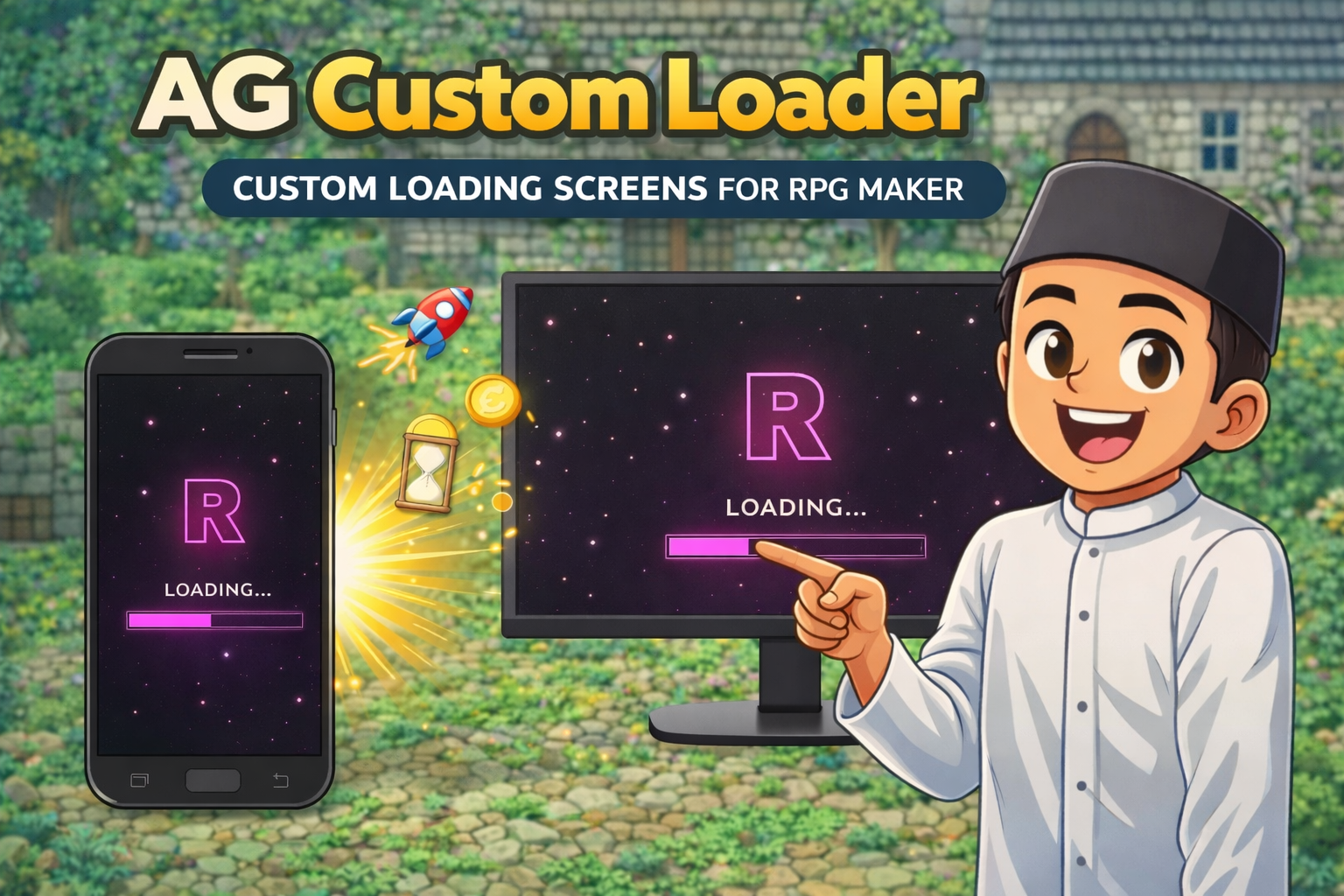
AG COSTUM LOADER
A downloadable project
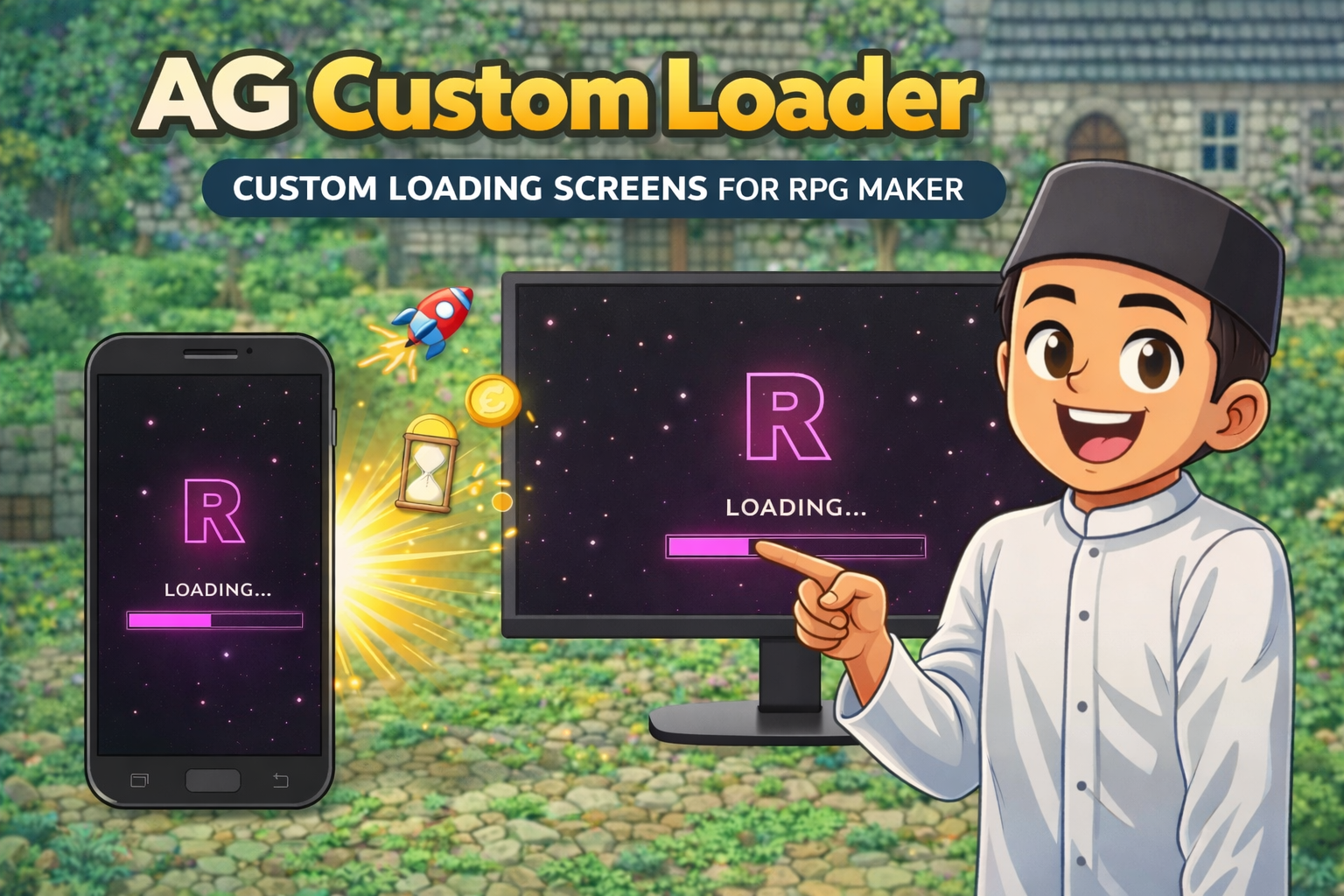
AG Custom Loader -- Custom Loading Screen for RPG Maker MZ
Tired of staring at that default MZ loading spinner that just spins like a sad mosquito coil? Swap it out with your own custom animation! You can tweak everything straight from the Plugin Manager, so no need to fry your brain with coding (just click and you're good to go).
Runs buttery smooth on RPG Maker MZ for desktop, browser, and even Android (if you pack it with AG APK Builder). For the "try-before-you-buy" gang, grab the free Demo version to test the waters.
Demo vs Full Version
| Feature | Demo | Full |
|---|---|---|
| Sequence mode (letters pop up one by one) | ✔ | ✔ |
| Sword animation at the end (because RPG vibes, duh) | ✔ | ✔ |
| Letter tracker (keeps things neat) | ✔ | ✔ |
| Custom text, font size, speed, and colors | ✔ | ✔ |
| Custom background color | ✔ | ✔ |
| Minimum display duration (so it doesn't blink out too fast) | ✔ | ✔ |
| Fade in / fade out (for that buttery smooth transition) | ✔ | ✔ |
| Debug mode (to peek at your animations while developing) | ✔ | ✔ |
| Kicks out the default MZ spinner automatically | ✔ | ✔ |
| Script call: AGLoader.show() / hide() | ✔ | ✔ |
| One universal loader for all triggers | ✔ | ✔ |
| CSS mode (go crazy with free HTML + CSS) | ✘ | ✔ |
| Image background mode (image_bg) | ✘ | ✔ * |
| Video background mode (video_bg) | ✘ | ✔ * |
| Frame animation mode (sprite sheet style) | ✘ | ✔ |
| GIF mode (yes, we still use GIFs) | ✘ | ✔ |
| Lottie JSON animation mode | ✘ | ✔ |
| Separate Boot Loader settings | ✘ | ✔ |
| Separate Scene / Map Loader settings | ✘ | ✔ |
| Separate Movie Loader settings | ✘ | ✔ |
| Per-scene and per-map loader override | ✘ | ✔ |
| Excluded scenes list (skip it when you don't need it) | ✘ | ✔ |
| Script calls per loader type | ✘ | ✔ |
| Watermark on screen | ✔ (Yep) | ✘ (Clean af) |
* Note: image_bg and video_bg modes are still in alpha, guys. Sometimes they act a bit dramatic depending on your device. We'll polish them up in future updates, chill.
Available Versions
| File Name | Version | Language | Plugin Name in Plugin Manager |
|---|---|---|---|
| AG_CustomLoader_Demo_EN.js | Demo | English | AG_CustomLoader_Demo_EN |
| AG_CustomLoader_Demo_ID.js | Demo | Indonesian | AG_CustomLoader_Demo_ID |
| AG_CustomLoader_EN.js | Full | English | AG_CustomLoader_EN |
| AG_CustomLoader_ID.js | Full | Indonesian | AG_CustomLoader_ID |
Just a heads-up, use ONLY ONE version! Don't be greedy and enable both in the Plugin Manager, or your game will get confused and crash lol.
Loader Modes (Full Version)
sequence --Letters pop up one by one with sick particle effects. Once it's done, a sword animation loops. You can freely change the text, colors, speed, or even kill the sword if you hate it.
css--
For the web devs who miss coding, just type your HTML/CSS right here. We already packed some built-in keyframes: ag-spin, ag-spin-reverse, ag-pulse, ag-fade, ag-bounce. No external files needed.
image_bg -- Alpha
Slap an image from img/pictures/ as your background. Set it to cover/contain, throw a color overlay on it, or even stack HTML on top of it.
video_bg -- Alpha
Same as above, but with a video file from movies/. Perfect for those big-budget studio intro vibes.
frame
Play an image sequence from img/pictures/ like a sprite animation. Just toss in the file list and set the speed in milliseconds.
gif
Got a funny GIF? Drop it in img/pictures/. When typing it in the parameters, leave out the extension (.gif), just the name.
lottie
Lottie JSON animation from the movies/ folder. You can leech free animations from lottiefiles.com and just drop the JSON file in. Smooth animation, tiny file size.
none Literally no loader. Just the boring MZ black screen. (Why would you even install this plugin if you use this lmao).
Three Independent Loaders (Full Version)
Boot Loader Pops up right when your game opens. Prime real estate for a studio logo or a cool intro. Recommended mode: sequence or video_bg.
Scene / Map Loader
Shows up when switching maps or scenes. Can be totally different from your Boot Loader.
If you want to skip the loader (like when just opening the menu), toss the scene name into "Excluded Scenes", e.g., Scene_Title,Scene_Gameover.
Too lazy to set it up? Just use same_as_boot to copy the Boot Loader settings.
Movie Loader The lifesaver when your video is buffering so players don't think your game froze. Recommended mode: css with a minimal spinner.
Per-Scene Override (Full Version)
If you're a perfectionist, you can set completely different loaders for specific scenes or maps using the "Per-Scene Override List" parameter.
Common scene names:
Scene_Title-- title screen / main menuScene_Map-- the game map (applies to all maps)Scene_Map:1-- ONLY map ID 1 (because favorites, obviously)Scene_Battle-- when it's time to throw handsScene_Menu-- when opening item / status menusScene_Gameover-- the screen of shame
Example: Scene_Title gets a video background, Scene_Battle gets an aggressive frame animation, and other maps just get a basic CSS spinner.
Script Calls (For the Tryhards)
Demo version
AGLoader.show();
AGLoader.hide();
Full version
AGLoader.showBoot();
AGLoader.hideBoot();
AGLoader.showScene();
AGLoader.hideScene();
AGLoader.showVideo();
AGLoader.hideVideo();
Setup (Super Easy)
- Toss the plugin file into your game's
js/plugins/folder. - Turn it on in the RPG Maker MZ Plugin Manager.
- Mess with the parameters however you like -- everything is in the Plugin Manager.
- Turn on Debug Mode while working so the loader stays stuck on your screen for previewing (no need to actually wait for assets to load).
- IMPORTANT: Turn OFF Debug Mode and Debug Alert before you publish the game. Imagine the embarrassment if players see that.
The plugin automatically murders the default MZ spinner once activated. No weird extra setup needed.
Tips & Best Practices
- Use sequence mode for a boot intro that looks expensive.
- Use css mode for scene loaders -- it's lightweight, fast, and won't lag.
- Set the Minimum Display fairly short for scene loaders (400ms is a sweet spot) so players don't think it's an actual long loading screen.
- Set Minimum Display longer for the boot loader (2000ms+) so your intro animation actually has time to flex.
- Use Excluded Scenes to kill the loader on fast transitions like save/load screens.
- If using image_bg or video_bg, pls test it on the target device before release -- remember, these are still in alpha guys.
- Turn off Debug Mode before building the final APK or uploading to itch.io! Don't forget!
Compatibility
- Engine: RPG Maker MZ
- Platform: Desktop (Windows / Mac), Browser, Android (via AG APK Builder)
- MZ Default Spinner: 100% dethroned when the plugin is active.
Troubleshooting
Loader is MIA:
- Double check you didn't accidentally turn on both versions in the Plugin Manager.
- Make sure the plugin name matches the filename exactly.
- Turn on Debug Mode to bait the loader into staying on screen.
Image or video refusing to load:
- image_bg and video_bg are in alpha -- sometimes they just want attention.
- Make sure you saved them right: images in
img/pictures/, videos inmovies/. - Don't type the extension in the parameter (like .png or .mp4), just the filename bro.
Loader is stuck on screen forever:
- You forgot to turn off Debug Mode, didn't you? Fess up.
- Try lowering the Minimum Display (ms) value in the parameters, maybe it's just set way too high.
Terms of Use
- Demo version: 100% free to use for non-commercial projects.
- Full version: Go wild, use it for commercial or non-commercial projects.
- You can mess with the code for personal use.
- Strictly DO NOT redistribute or hand out this plugin file to others.
- Do not delete the author signature / credits inside the script (respect the dev, man).
- Don't claim you made this and try to sell it. Bad karma.
- Full version: one license per game project.
Feedback, Bug Reports and Support
If you run into some weird error, spot a bug, or have a genius idea, drop a comment here or slide into our emails.
Contact: anaryxproject@gmail.com
AG Custom Loader -- part of the Anaryx Plugin ecosystem. Built specifically for RPG Maker MZ devs who hate ugly loading screens. Every plugin is packed with an integrity signature -- don't mess with it. anaryx-plugin.itch.io
Download
Click download now to get access to the following files:
Leave a comment
Log in with itch.io to leave a comment.